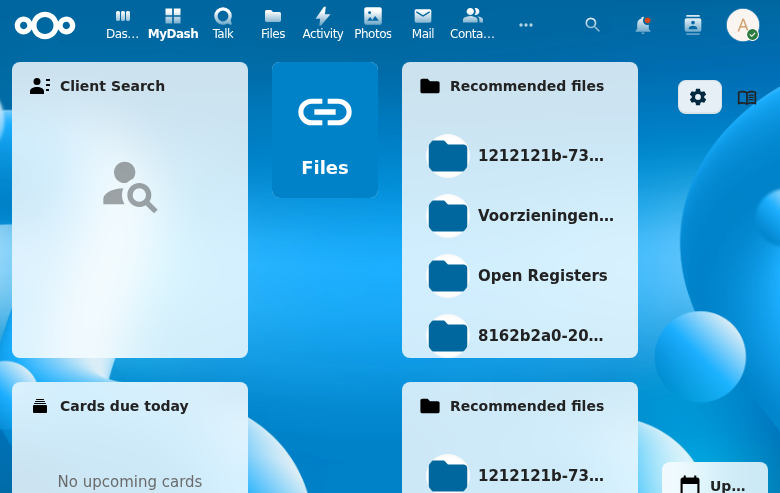
Admin Settings
Admin settings provide Nextcloud administrators with global configuration options for the LaunchPad app.
Settings
| Setting | Type | Default | Description |
|---|---|---|---|
| allowUserDashboards | boolean | true | Whether non-admin users can create their own dashboards |
| allowMultipleDashboards | boolean | true | Whether users can have more than one dashboard |
| defaultPermissionLevel | string | add_only | Default permission level for user-created dashboards |
| defaultGridColumns | integer | 12 | Default number of grid columns for new dashboards |
| maxDashboardsPerUser | integer | 0 | Maximum personal dashboards a user may own (0 = unlimited) |
| maxWidgetsPerDashboard | integer | 0 | Maximum widget placements on a single dashboard (0 = unlimited) |
Governance quotas
Two numeric quotas cap per-user dashboard sprawl on large deployments.
Both default to 0, meaning unlimited — a fresh or upgraded instance
enforces nothing until an admin sets a non-zero value, so behaviour is
unchanged on upgrade.
What counts
maxDashboardsPerUsercounts only the user's personal dashboards. Group-shared and admin-scope dashboards routed to a user never count against their quota.maxWidgetsPerDashboardcounts the widget placements (widgets and tiles) on a single dashboard.
Enforcement is server-side and fail-closed: every user-initiated
creation path — create, duplicate, fork, import, and add-widget /
add-tile — passes through one QuotaService check. Exceeding a limit
returns HTTP 409 Conflict with a machine-readable body
{"error": "quota_exceeded", "quota": "dashboards"|"widgets", "limit": N, "current": N}.
The frontend disables the "Add dashboard" / "Add widget" affordance at the
limit with an explanatory tooltip; the server check remains authoritative.
Grandfathering — lowering a limit below current usage never deletes,
hides, or locks anything. Existing over-quota dashboards and widgets stay
fully usable; only new creations of the over-quota kind are blocked until
the user drops back under the limit. Raising a setting back to 0 removes
all enforcement immediately, with no residual state.
Interaction with the boolean flags is most-restrictive-wins:
allowMultipleDashboards = false acts as an effective dashboard limit of
1 regardless of maxDashboardsPerUser; allowUserDashboards = false
keeps blocking creation outright. A numeric quota never loosens a
restriction the booleans impose.
Admin provisioning is exempt — template rollout to groups, compulsory widget pushes, and admin provisioning on behalf of users bypass user quotas (the bypass is tied to the provisioning code path, never to admin group membership, so an admin creating their own personal dashboard is still subject to the quota).
API Endpoints
| Method | Endpoint | Description |
|---|---|---|
| GET | /api/admin/settings | Get all settings |
| PUT | /api/admin/settings | Update settings |
Notes
- Settings stored as JSON-encoded key-value pairs in
oc_launchpad_admin_settings - DB uses snake_case keys, API returns camelCase keys
- Admin-only access enforced
Screenshot